Technology
New Google Feature: How to Change Your Primary Gmail Address and Keep All Your Emails
Let’s be real for a second. How many of us are still using a Gmail address we created when we were teenagers? You know the one. It probably involves a nickname, a birth year, or a band you haven't listened to in a decade. It’s the email you sheepishly spell out to potential employers or new acquaintances, secretly wishing you could just hit a reset button.
Well, hold onto your keyboards because the internet gods at Google have finally heard our collective prayers. In a massive shift from its long-standing policy, Google is rolling out a feature that lets you change your primary Gmail address without creating a whole new account.
This is huge news. For years, your Gmail username was the one thing set in stone. If you wanted a more professional handle, your only option was to start from scratch losing years of emails, Google Drive files, YouTube history, and photos in the process. That nightmare is officially over.
Here’s a deep dive into everything you need to know about this game-changing update.
The Magic Trick: A New Name, Same Digital Life
The brilliance of this new system is that it’s not a "burn it down and start over" approach. It’s a smooth transition.
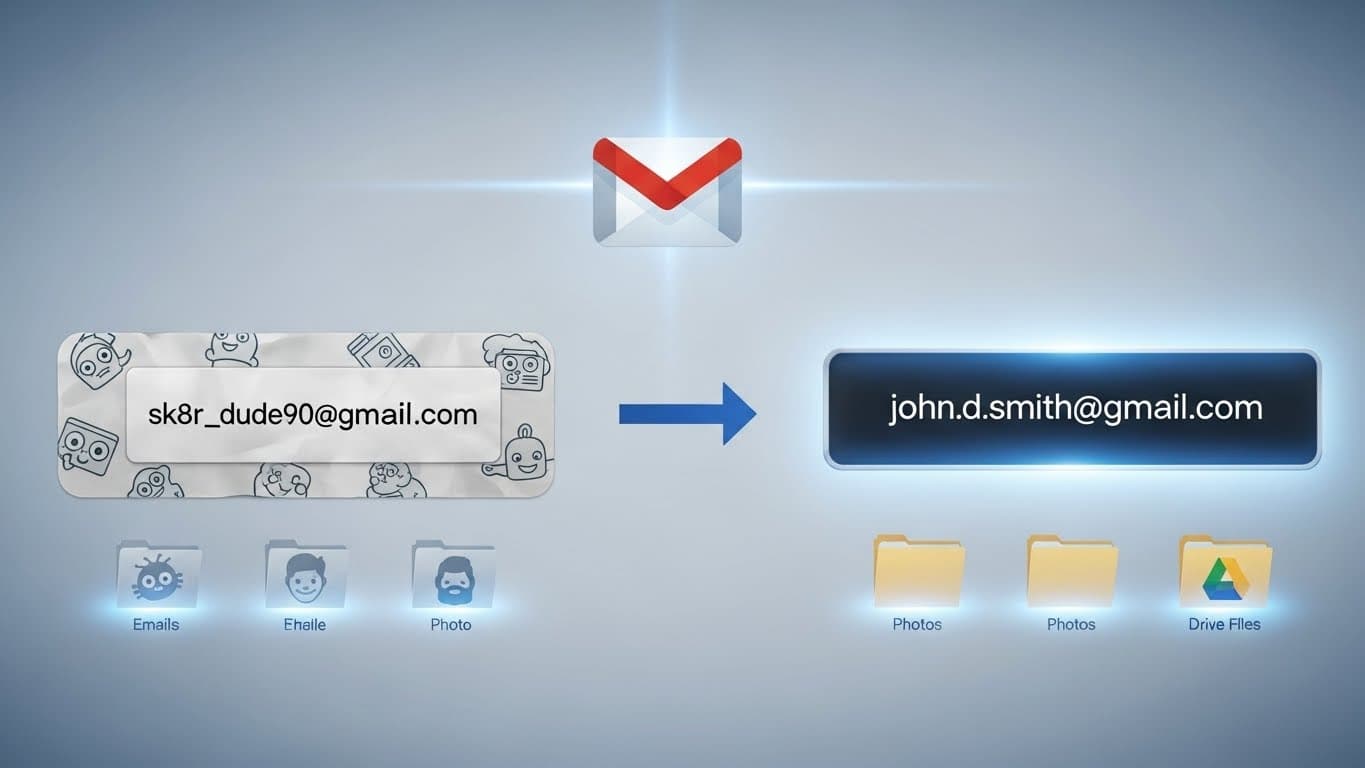
When you change your primary Gmail address (e.g., from sk8r_dude90@gmail com to john.d.smith@gmail com), your old address doesn't just vanish into the digital ether. Instead, Google automatically turns it into an alias.
What does that mean for you?
- You Won't Miss a Thing: Any email sent to your old, embarrassing address will still land right in your same inbox. You don't have to frantically update every single online account you've ever created.
- Your Data Is Safe: This is the biggest relief. All your emails, contacts, Google Drive documents, Google Photos, and calendar events stay exactly where they are. Nothing gets deleted. Nothing gets moved.
- Seamless Sign-In: You can continue to sign into all Google services (YouTube, Maps, etc.) using either your new professional address or your old familiar one.
It’s like getting a legal name change but getting to keep your same house, job, and memories.
Read the Fine Print: The Important Limitations
Before you rush off to claim firstname.lastname@gmail com, there are a few crucial guardrails Google has put in place to prevent chaos.
It's a Gradual Rollout: This is the most important part. Google is releasing this feature in waves. It might be available to your friend today but not appear in your account for another few weeks. Patience is key.
Once a Year Only: You can't change your email address every time you change your mood. Google limits you to one change every 12 months. So, make sure you really like your new pick and double-check the spelling!
Lifetime Limit: You can't do this forever. There’s a total limit on how many times a single Google account can change its primary address in its lifetime (current reports suggest around 3-4 times). Choose wisely.
How to Check if You're the Lucky One
Ready to see if you can finally ditch your digital baggage? The process is simple and takes place right in your Google Account settings.
Here’s the path:
- Go to your Google Account settings (on desktop or mobile).
- Navigate to the "Personal info" tab.
- Scroll down to the "Contact info" section and tap on "Email".
- Look for your "Google Account email". If the feature has rolled out to you, you will see an option to edit or change it right there.
If you don’t see the option yet, don't panic. It just means your account hasn't been included in the current wave. Keep checking back periodically.
This update is a massive win for user control and digital maturity. It’s time to finally say goodbye to the ghosts of our internet past and embrace a Gmail address that actually represents who we are today. Go check your settings you might be one of the lucky ones!
Test Your Knowledge!
Click the button below to generate an AI-powered quiz based on this article.
Did you enjoy this article?
Show your appreciation by giving it a like!
Conversation (0)
Cite This Article
Generating...