Technology
Understanding Firewalls, IDS, and Zero-Trust
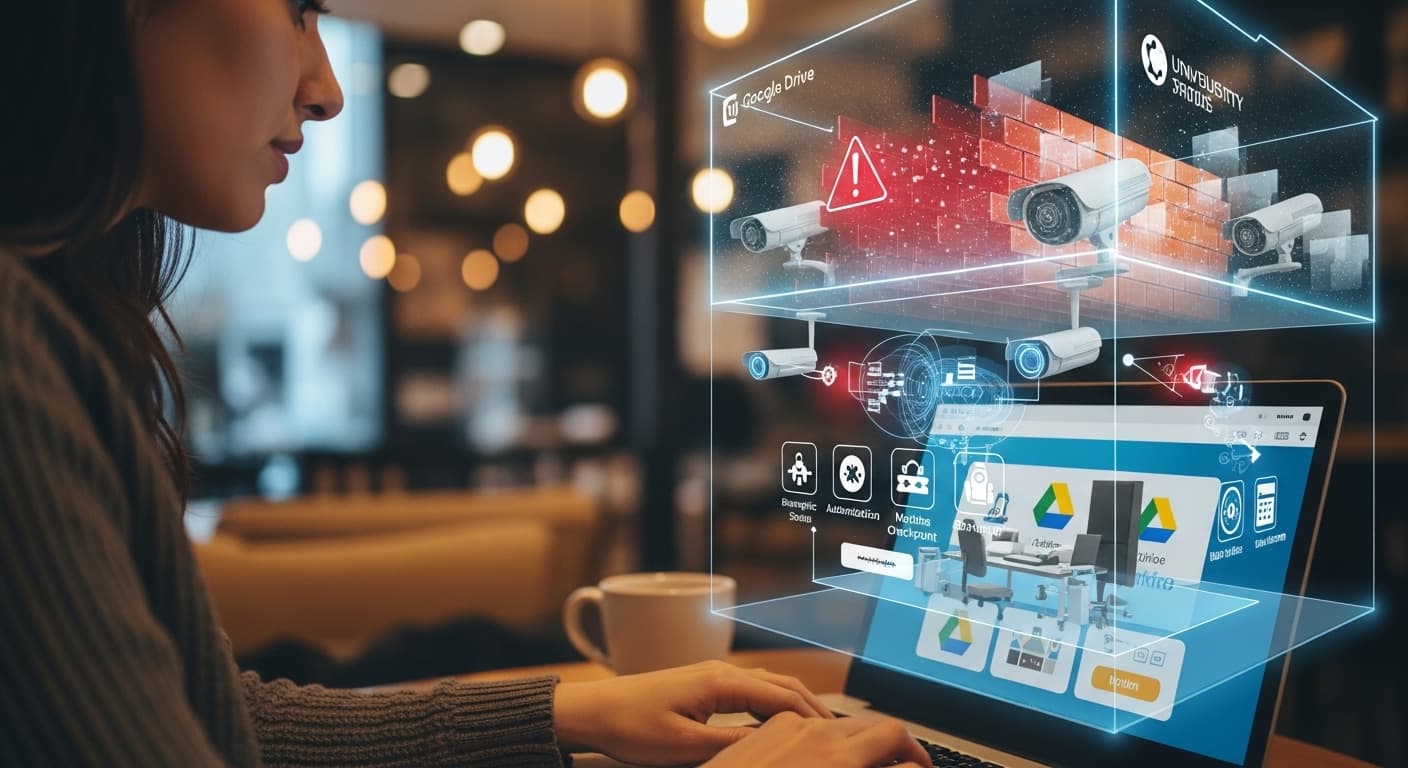
If you are a university student today, you are likely accessing your lectures from a cafe, your dorm, or a library. You are using cloud services like Google Drive and Notion. This means the "perimeter" of the network no longer exists.
To keep data safe in this scattered world, we use three layers of defense. Think of it as a high-security building, you need a front gate (Firewall), security cameras (IDS), and a strict "ID-check-at-every-door" policy (Zero-Trust).
- The Firewall - The Digital Bouncer
A Firewall is your first line of defense. It sits at the edge of a network and acts as a filter for incoming and outgoing traffic.
Based on a set of pre-defined rules, the firewall decides which data "packets" are allowed to enter and which should be blocked. For example, a university firewall might allow web traffic (HTTP/HTTPS) but block unauthorized remote desktop attempts.
- Packet Filtering - Checking the source and destination IP addresses.
- Stateful Inspection - Monitoring the state of active connections to ensure incoming data was actually requested by someone inside.
- IDS - The Silent Alarm (Intrusion Detection System)
If a hacker manages to sneak past the bouncer (the firewall) by pretending to be a normal user, you need a way to catch them while they are inside. This is the job of the IDS.
An Intrusion Detection System is like a smart smoke detector for your network. It doesn't necessarily stop the "fire," but it screams when it smells smoke. It monitors network traffic for suspicious patterns or known attack signatures.
- Signature-Based - It looks for specific "fingerprints" of known malware.
- Anomaly-Based - It learns what "normal" behavior looks like. If a student account suddenly tries to download 50GB of sensitive research data at 3:00 AM, the IDS flags it as an anomaly.
- Zero-Trust - The "Never Trust, Always Verify" Policy
This is the most important shift in modern security. For years, the rule was, "If you are on the office Wi-Fi, you are trusted."
Zero-Trust Architecture removes that assumption. In a Zero-Trust world, we assume the network is already compromised. Every single request whether it comes from the CEO inside the office or a student in a coffee shop must be authenticated and authorized.
The Three Pillars of Zero-Trust
- Verify Explicitly - Always authenticate based on identity, location, device health, and service/workload.
- Use Least Privileged Access - Give users only the access they need for that specific moment (Just-In-Time access).
- Assume Breach - Minimize the "blast radius" by segmenting the network into tiny pieces so that if one room is hacked, the rest of the building stays locked.
Conclusion As you build your own projects whether it's a simple web app or a complex backend start thinking in Zero-Trust. Don't just rely on a password at the login screen. Think about how you can verify the user at every step and how you can protect your data if one part of your system fails.
The goal of modern security isn't just to build a taller wall, it’s to build a smarter system that knows how to react when the wall is climbed.
Test Your Knowledge!
Click the button below to generate an AI-powered quiz based on this article.
Did you enjoy this article?
Show your appreciation by giving it a like!
Conversation (0)
Cite This Article
Generating...