Technology
The Hidden Dangers of Public Wi-Fi: What You Need to Know Before Connecting
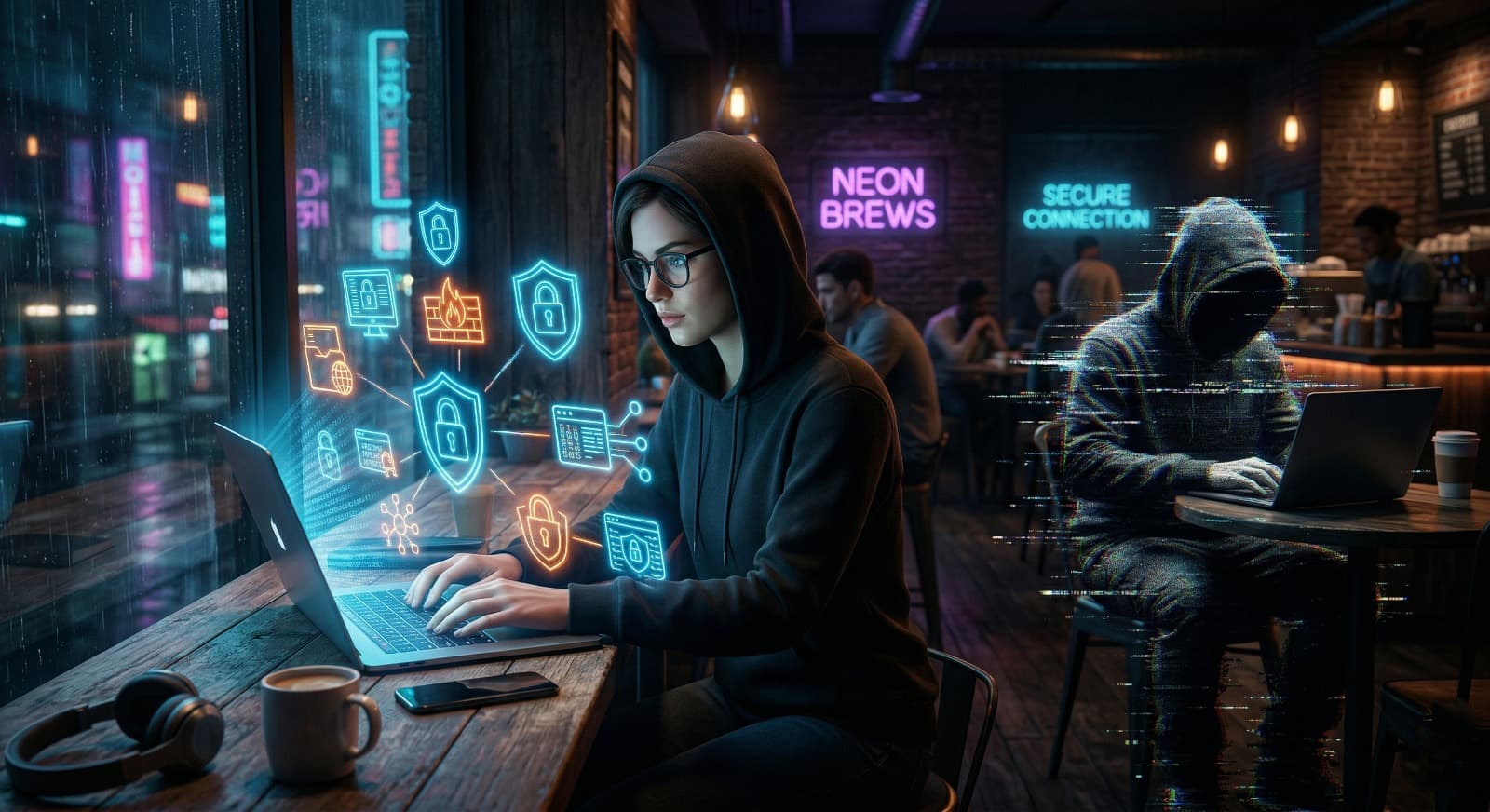
We all love free Wi-Fi. Whether you are at a coffee shop, an airport, or a hotel, seeing that Free Wi-Fi notification feels like a win. It’s convenient, saves your mobile data, and lets you work from anywhere.
But have you ever stopped to think about who else is on that network with you? While it’s free for you, it’s also a gold mine for hackers. In this post, we’ll dive deep into the real risks of public Wi-Fi and how you can stay safe.
What is Public Wi-Fi?
Public Wi-Fi is a wireless network open to anyone. Because these networks don’t require a private password or complex security setup, they are often unencrypted. This means the data traveling between your device and the router is in the air for others to see if they have the right tools.
The Major Risks (The Deep Stuff)
Hackers don't need to be geniuses to steal your data on public networks. Here are the most common ways they target you:
- Man-in-the-Middle (MitM) Attacks: This is the most common threat. A hacker positions themselves between your device and the Wi-Fi router. Instead of talking directly to the internet, your data goes to the hacker first. They can see your emails, passwords, and even bank details in real-time.
- The "Evil Twin" Hotspot: A hacker sets up a Wi-Fi network with a name you trust, like Airport_Free_WiFi or Starbucks_Guest. You connect thinking it's official, but the hacker controls the entire network and everything you do on it.
- Packet Sniffing / Eavesdropping: Using simple software, attackers can sniff data packets out of the air. If the website you are visiting isn't highly secure, they can read your messages and see the files you are downloading.
- Malware Injection: Hackers can use vulnerabilities in your software to push malware or viruses onto your device through the unsecured connection. This can happen even if you aren't actively clicking on anything.
Why Your Privacy is at Risk
When you use an unsecured network, you are essentially leaving your digital front door wide open. Most people think, "I’m not doing anything important," but even logging into your Facebook or Gmail gives a hacker a "key" to your entire digital life. Once they have your primary email, they can reset passwords for your bank, your cloud storage, and your work accounts.
How to Stay Safe: Expert Tips
You don’t have to stop using public Wi-Fi entirely, but you must be smart about it. Follow these steps:
- Use a VPN (Virtual Private Network): This is the #1 rule. A VPN creates a secure "tunnel" for your data. Even if a hacker intercepts it, they will only see encrypted gibberish.
- Look for "HTTPS": Never enter personal data on a website that starts with http://. Only use sites that have the padlock icon and start with https://.
- Turn Off "Auto-Connect": Set your phone and laptop to not join Wi-Fi networks automatically. This prevents your device from joining an "Evil Twin" network without you knowing.
- Enable Two-Factor Authentication (2FA): Even if a hacker steals your password, 2FA will stop them from logging in because they won't have the code sent to your phone.
- Forget the Network: Once you are done, go to your settings and "Forget" the public network so your device doesn't reconnect later.
Final Thoughts
Public Wi-Fi is a great tool, but it comes with a price your privacy. Treat every public network as guilty until proven innocent. By taking a few simple precautions, you can enjoy the convenience of the digital world without becoming a victim of cybercrime.
Stay safe, stay connected!
Test Your Knowledge!
Click the button below to generate an AI-powered quiz based on this article.
Did you enjoy this article?
Show your appreciation by giving it a like!
Conversation (0)
Cite This Article
Generating...