Technology
A Software Engineer’s Guide to Three.js and WebGL
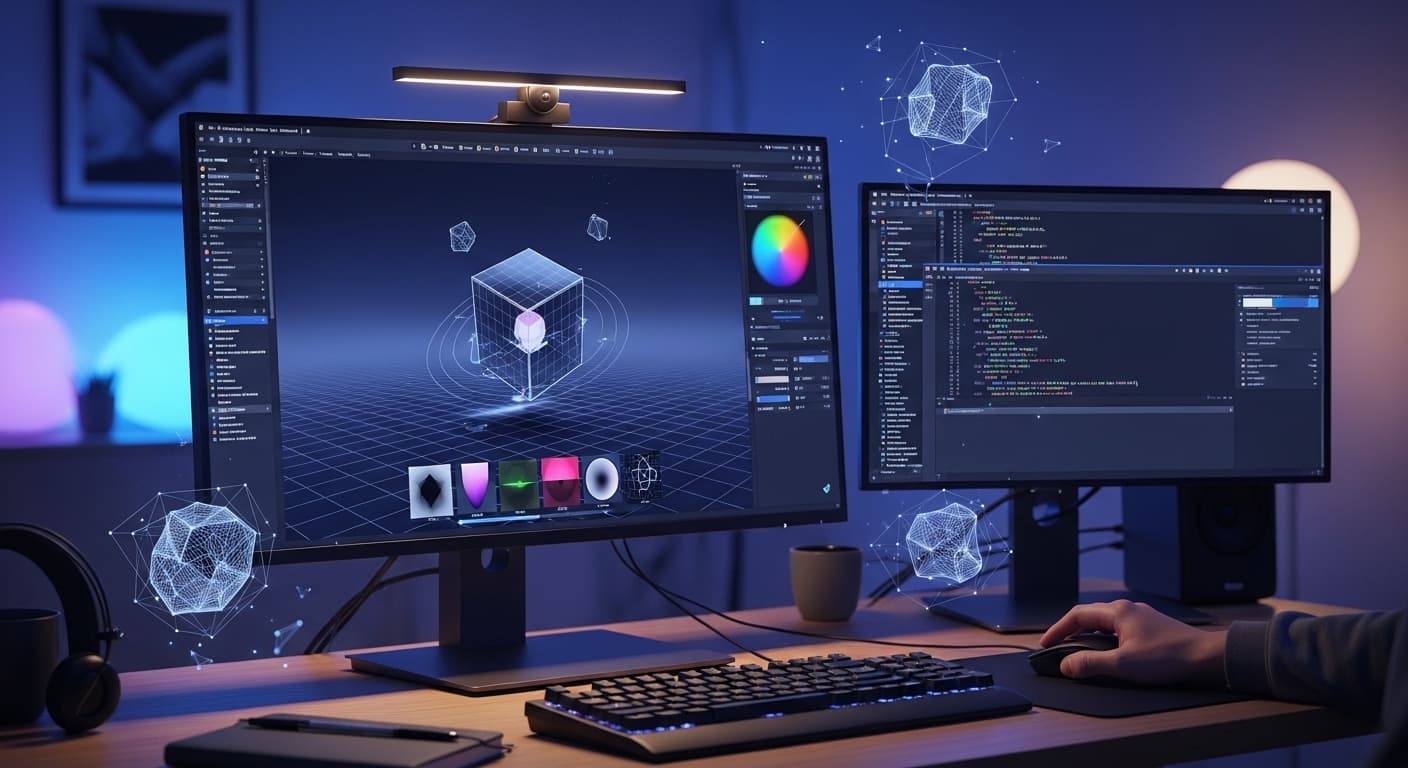
The web has been a two-dimensional experience of text, images and the occasional video. With the development of hardware, however, the browser has served as an entry point to 3D, immersive and interactive worlds.
Creating 3D graphics on the web was a job that was handled by professional engineers. Now, such tools as WebGL and Three.js are accessible to any developer who is ready to learn the mathematics and logic behind the third dimension.
1. The Background - What is WebGL?
WebGL (Web Graphics Library) is a low-level JavaScript interface that enables you to create high-performance 2D and 3D graphics in any standard-compliant web browser without any plug-ins.
It is done by communicating directly to the graphics processing unit (GPU) of the computer. Since GPUs are built to perform thousands of mathematical operations at the same time, they are infinity superior in displaying complicated 3D shapes compared to a typical CPU.
WebGL is, however, infamously hard to program. It needs a profound knowledge of the graphics pipeline, buffers, and a special C-like language known as GLSL (OpenGL Shading Language) in order to put a simple triangle on the screen.
2. The Solution - What is Three.js?
Three.js, in turn, is the high-level assembly language of graphics, assuming WebGL is the low-level assembly language of graphics. It is an influential JavaScript framework that builds over WebGL, eliminating the intricate math and boilerplate code.
You would write a few hundred lines of GLSL code to write a cube, whereas with Three.js, it would only take you a couple of lines. It does all the heavy lifting of the lights, shadows, cameras and materials, and leaves you to concentrate on the creative part of your scene.
3. The Anatomy of a 3D Scene.
In Three.js, to create anything you must have an understanding of the connection between four fundamental elements:
The Scene - This is your "world." It is a box that you put all your objects, lights and cameras.
The Camera - This is the eye through which one can see the scene. The most frequent one is the PerspectiveCamera that resembles the perceptions of human eyes (the farther an object is, the smaller it becomes).
The renderer - This is the part this is used to paint the pixels onto HTML < canvas > element and uses your scene and camera.
The Mesh - This is the object in the 3D space. Two parts are used to make up a mesh,
- Geometry - the mathematical form (faces and vertices).
- Material - The texture, the color, the shininess of the object itself (skin).
4. The Render Loop
On a 2D site, the webpage loads and stagnates. In 3D, the scene has to be recreated every time it is necessary to give the impression of movement, and this is typically 60 times per second.
This is referred to as the Render Loop. Each time the loop is completed, you can slightly alter the rotation or location of an object, which results in a smooth animation. When your loop is running slow, the animation becomes choppy and hence performance optimization is very important in web development in 3D.
5. Performance and Optimization
The 3D graphics require resources. In order to make sure that your site performs well on a high-end gaming computer and a low-end smartphone, you need to optimize:
Polygon Count - Simple 3D models Only. The greater the number of faces a shape possesses the greater the workload of the graphics card.
Textures - Compressed image formats should be used to represent textures and their resolution should be kept as low as possible without compromising the visual quality.
Draw Calls - Each time the CPU commands the GPU to draw something, it is a draw call. Reducing them is the secret of high frame rates
Conclusion
The transition between the 2D development of the web to the 3D graphics can be described as a giant leap, yet it is one of the most lucrative traits an engineer can develop. Learning Three.js, you will no longer create pages, but rather experiences. The web is no longer a document: it is a canvas. It is time to start using all three dimensions.
Test Your Knowledge!
Click the button below to generate an AI-powered quiz based on this article.
Did you enjoy this article?
Show your appreciation by giving it a like!
Conversation (0)
Cite This Article
Generating...