Technology
Google Chrome Ending Support for macOS Monterey: What You Need to Know Before July 2026
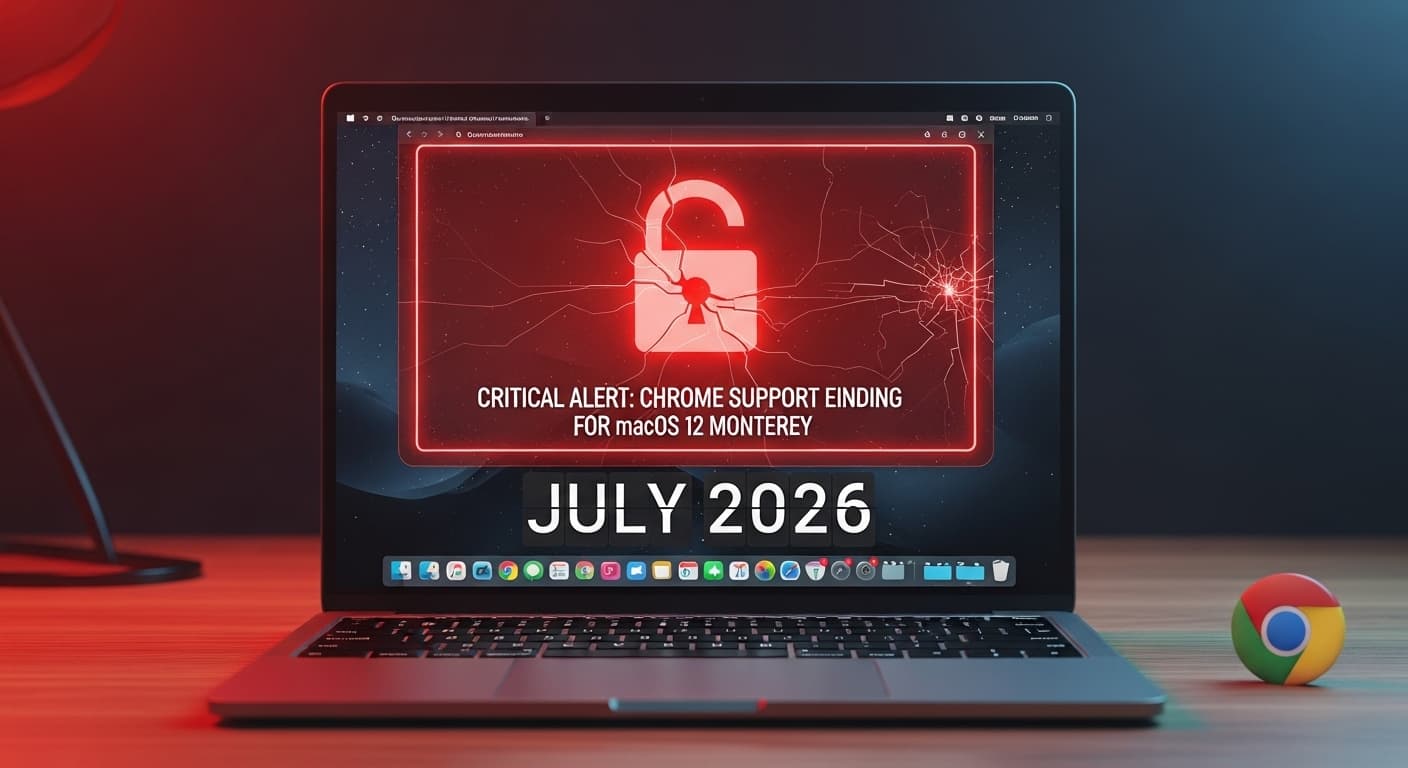
Let’s be honest: most of us don’t pay much attention to browser updates. You see that little "Update" button in the corner, maybe you click it, maybe you ignore it for a week. But if you are a Mac user running macOS 12 (Monterey), the next big update news isn't just a routine feature drop it’s a warning.
Google has officially confirmed that it will stop supporting the Chrome browser on macOS 12 starting July 2026.
Now, 2026 might sound like it's far away, but in the world of tech cycles and IT planning, it’s just around the corner. If you are reading this on a Mac running Monterey, here is the deep dive on what’s happening, why it’s a security nightmare, and exactly what you need to do.
What Is Actually Happening?
Tech giants like Apple and Google operate on a synchronized clock. As Apple releases new operating systems (like macOS Sequoia), they slowly phase out support for the older ones. Google Chrome follows suit.
Google’s policy is generally to support the latest macOS version plus the two previous ones. With the roadmap ahead, macOS 12 (Monterey) is next on the chopping block.
The Deadline: July 2026. The Consequence: No more updates. No more new features. And most importantly, no more security patches.
The "Security Patch" Trap: Why You Should Care
You might be thinking, "So what? I can still open Chrome and browse the web, right?"
Technically, yes. The browser won't just explode or disappear from your dock. However, using an unsupported browser is one of the biggest risks you can take online.
Here is the non-technical explanation: Browsers are the gateway to the internet. Hackers are constantly finding holes (vulnerabilities) in that gateway. "Security Patches" are the repairs Google sends out to plug those holes.
Once support ends in July 2026:
- Zero-Day Exploits: If hackers find a way to break into Chrome, Google will not fix it for you. You are on your own.
- Data Exposure: Your passwords, credit card autofill data, and emails become vulnerable to "exploit kits" that target outdated software.
- Incompatibility: Eventually, your favorite websites (Netflix, Banking portals, YouTube) will stop loading correctly because your browser is "too old" to understand their modern code.
How to Check Your Version (Do This Now) Before you panic, let’s check if you are actually affected.
- Click the Apple Logo in the top-left corner of your screen.
- Select About This Mac.
- Look at the version name. Does it say macOS Monterey (Version 12.x)?
If yes, you have homework to do.
The Solution: What Are Your Options?
1. The Best Move: Upgrade Your OS This is the simplest fix. If your Mac is relatively new (roughly 2017 or later), you can likely update to macOS 13 (Ventura), macOS 14 (Sonoma), or the latest version available.
- Go to System Preferences > Software Update and see if an upgrade is waiting for you.
2. The Hard Truth: Is Your Mac Too Old? If your Mac is from 2015 or 2016, Apple might not allow you to install the newer macOS versions officially. You are now stuck in a hardware bottleneck.
- The Official Route: It might be time to consider upgrading your hardware. I know, buying a new MacBook isn't cheap, but security is priceless.
- The "Tech-Savvy" Route: Some advanced users utilize tools like OpenCore Legacy Patcher to force newer macOS versions onto older hardware. Disclaimer: Only do this if you know what you are doing!
3. The Temporary Fix: Switch Browsers
Sometimes, browsers like Firefox continue to support older macOS versions a bit longer than Chrome does. It’s not a permanent solution (eventually Firefox will drop support too), but it might buy you an extra 6-12 months of security.
Final Thoughts
In the digital world, "If it ain't broke, don't fix it" is bad advice. Old software is broken software because it’s insecure.
Don't wait until the warning banners start popping up in 2026. Check your macOS version today, plan your upgrade, and keep your digital life locked down.
Are you still holding onto an older Mac? Let me know in the comments below!
Test Your Knowledge!
Click the button below to generate an AI-powered quiz based on this article.
Did you enjoy this article?
Show your appreciation by giving it a like!
Conversation (0)
Cite This Article
Generating...